As you know, Slek changes almost daily, so we are not going to write a post every time. We do try to put together a regular summary, though, so you can see the improvements you might have walked straight past.
📆 A calendar that adapts to what you are looking for
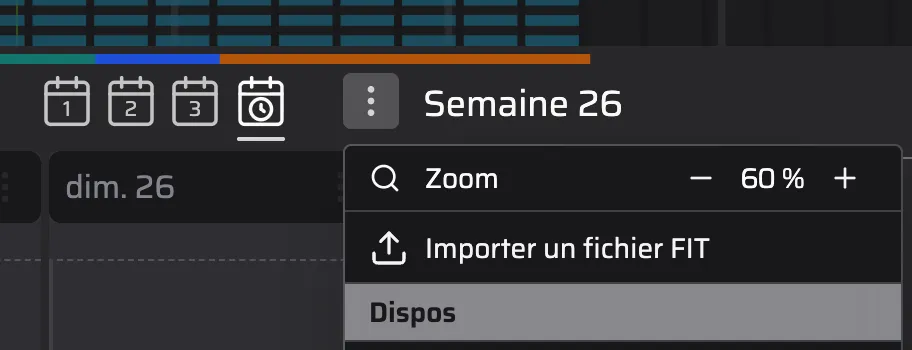
If you use Slek on a computer (or just a reasonably large screen), four buttons have appeared on the calendar page.
They let you pick between different views:
- The “1 week” view (the one you already knew): the one that shows a week in detail across 5 time slots (early, morning, midday, afternoon and evening).
- The “2 weeks” view, which shows the current week and the one before. Handy for moving a workout, or for copy and paste.
- The “3 weeks” view, which shows the current week and the two before it.
- The “timeline” view, which shows the current week the way a diary does. More visual, but less practical for reading short workouts.
In the timeline view you can turn on a vertical zoom that shrinks or expands the height of the time slots: either you favour the overview or the detail (unless you have an enormous screen).
In the 2 and 3 week views there are no time slots: each day is a single cell.
🤖 An assistant that saves coaches time
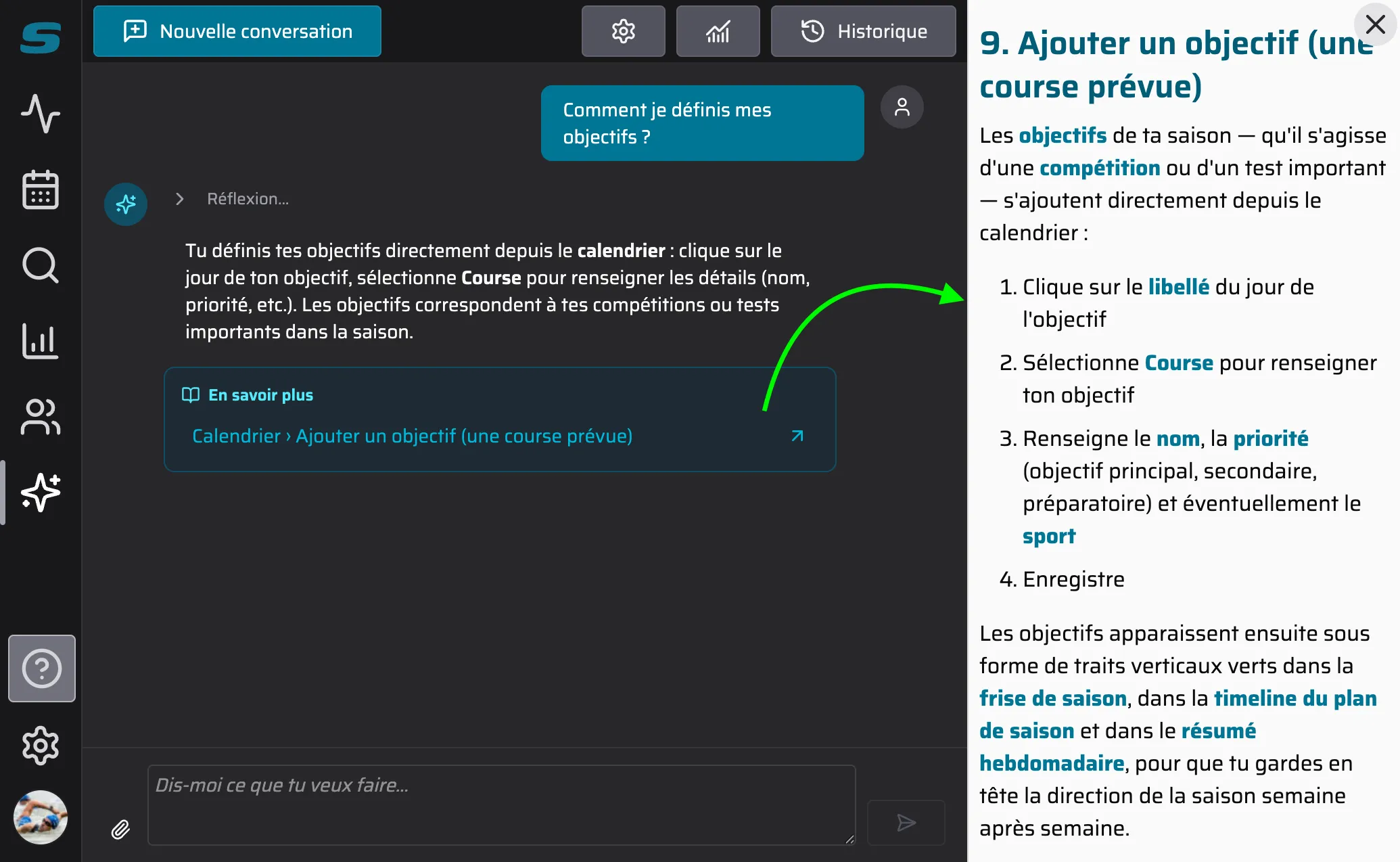
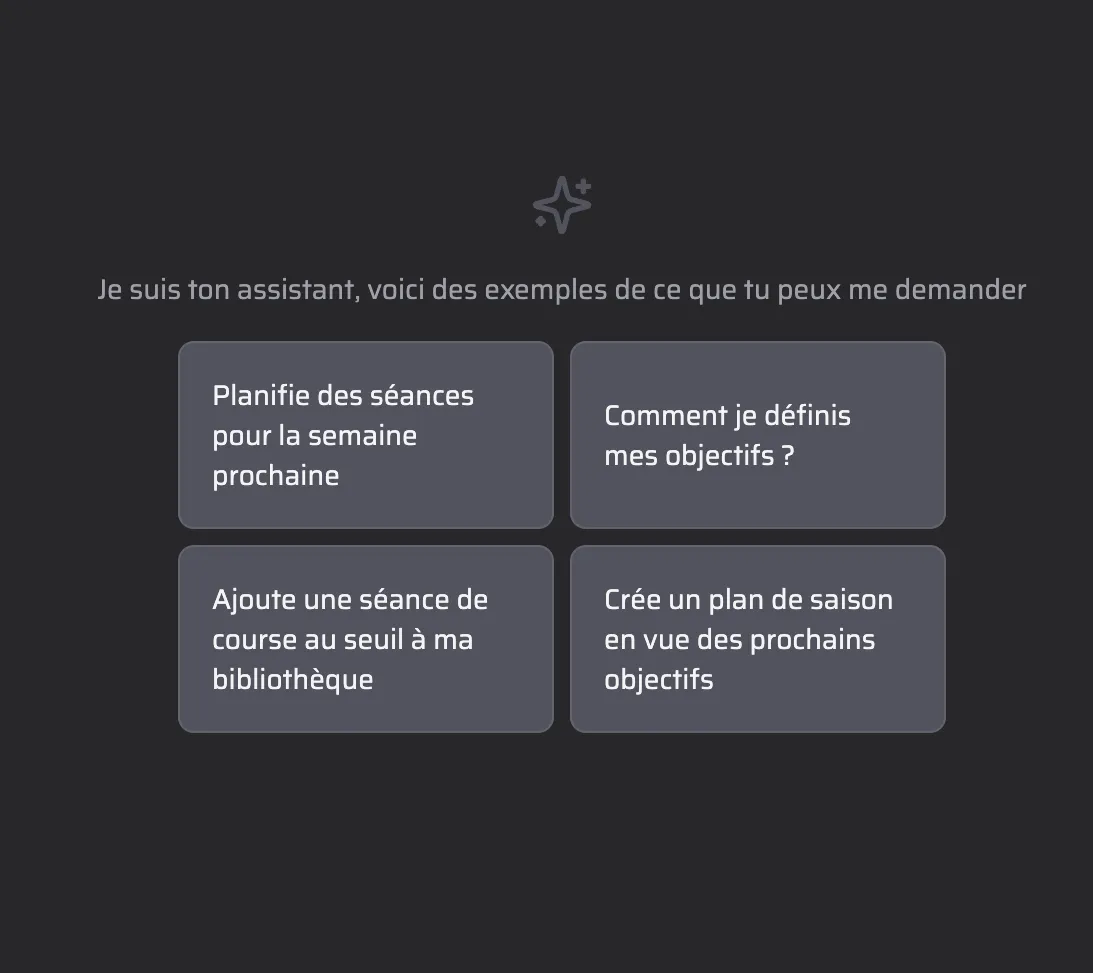
Big news: Slek now includes a coaching assistant.
It is aimed at coaches and exists to save them time, so they can concentrate on what matters instead of losing hours entering workouts. Did you know that Slek is the very first coaching app for endurance sports in which an AI assists coaches in their work?
The assistant also answers questions about using Slek and points you to the documentation.
🔗 Strava integration, to pick up the workouts you were missing
Do you use Strava along with a service that is not directly connected to Slek yet, such as Kinomap or an Apple Watch? You can now link your Strava account to pull your activities in automatically.
Careful: every activity coming from a partner we already connect to directly (Garmin, Coros, Suunto and the rest) is ignored when it arrives via Strava. That avoids duplicates and uses the data from the most reliable source. The Strava connection is only there for everything else.
So do turn the direct connection on where one exists.
🎯 Planning up to a date the coach chooses
On the coaching side, you can now set a “Plan until” date on the groups page.
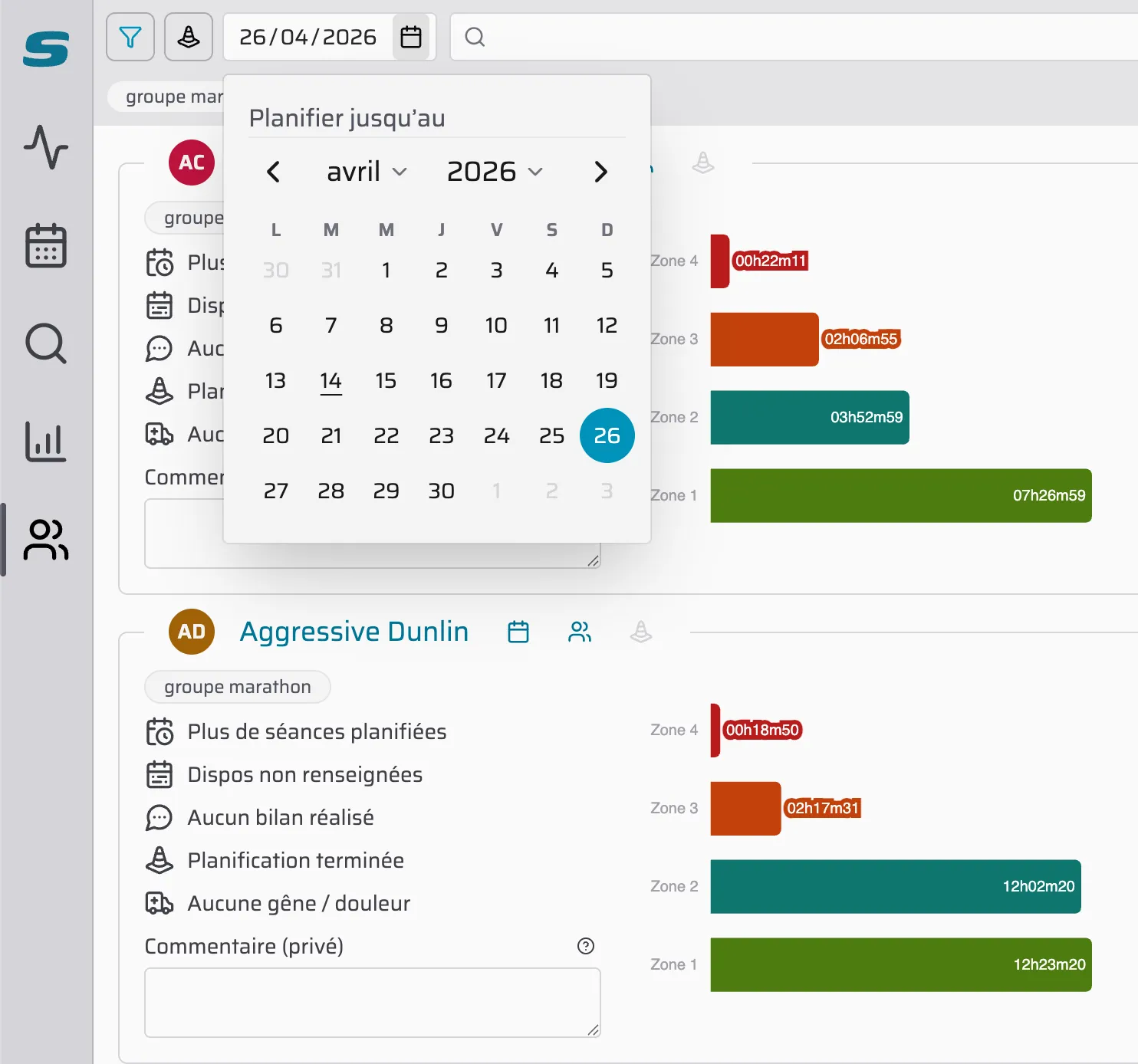
In practice: decided to plan a group of athletes only as far as next Sunday? Choose that date, and drafts will only be counted and published up to it.
That applies in particular to recurring workouts (see the February release notes), which will not be published beyond that date.
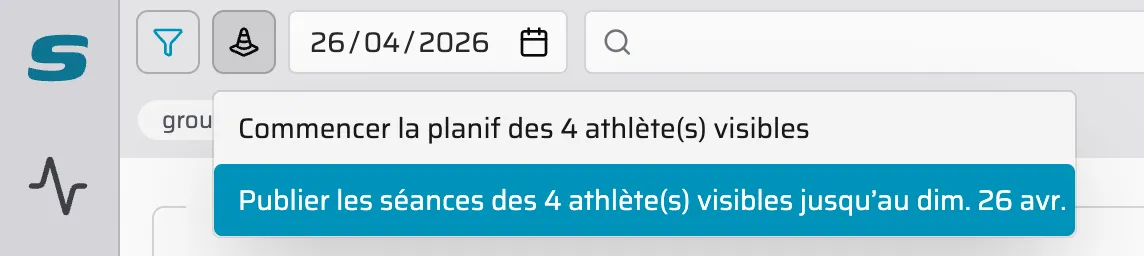
Genuinely useful for revealing only what should be revealed.
Other improvements, in no particular order
📊 Better time-in-zone-by-sport chart
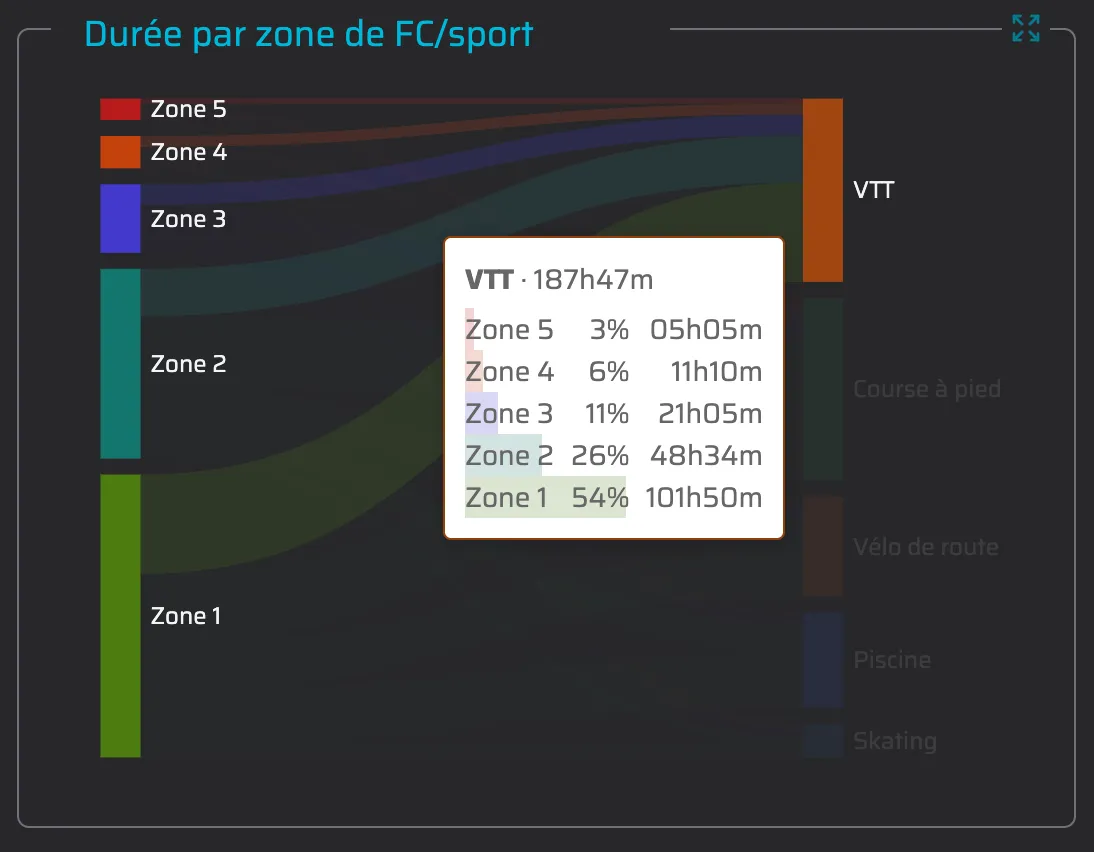
The diagram showing how time is split by zone and by sport now displays percentages on each flow. Click an element and a tooltip gives you the detail, visually and precisely.
💬 Better comments
You now get a notification when your coach comments on your workout, or when your comment has been marked as read.
On top of that, hovering over a comment in the list to the right of the week highlights the workout it belongs to.
⏱️ Lap filtering
In the workout analysis you can now filter your activity’s laps (manual, automatic and so on).
🐛 Performance fix
We fixed a problem that made editing a workout far too slow in some cases. It is smoother for everybody now.
Moving between calendar weeks has also become faster, which saves you time when you go looking for past data.
✅ Redesigned review interface
The review interface has been rethought to be clearer and to give the athlete more room to express themselves.
⛷️ Ski touring detection on Coros watches
Finally, if you go ski touring with a Coros watch, Slek now detects the sport automatically. For the rest of the season you no longer have to correct it by hand after every outing.
More articles you might like
Release notes: July 2026
It has been busy at Slek since June, with two new features that change quite a lot: training squads and a graphical builder for guided workouts. Until now Slek offered individual coaching: one coach, one athlete, complete monitoring. That is perfect for personal support, but far too much for a club that simply wants to send Tuesday night's workout to its members […]
Slek: the first app with an assistant for sports coaches 🚀
Slek is the very first coaching app for endurance sports in which an AI assists coaches rather than replacing them.
Release notes: June 2026
The last few weeks have been (very) busy at Slek. We are not going to write an article for every change, but here is the round-up of things not to miss since the April notes. And we may as well warn you now: there is one big announcement. 🎉 On the programme: two-way calendar sync with Google, Apple or Outlook, and more […]